
Website Migration Without Losing Your Google Rankings
Most ranking drops after a site move aren’t bad luck — they’re the result of skipped steps. I handle website migrations the way Google expects them to be done: full crawl before the move, every redirect mapped, and post-launch monitoring until traffic is stable. You get a new platform, host, or domain without handing your rankings over to chance.
Start My Migration Tell Me What You Need
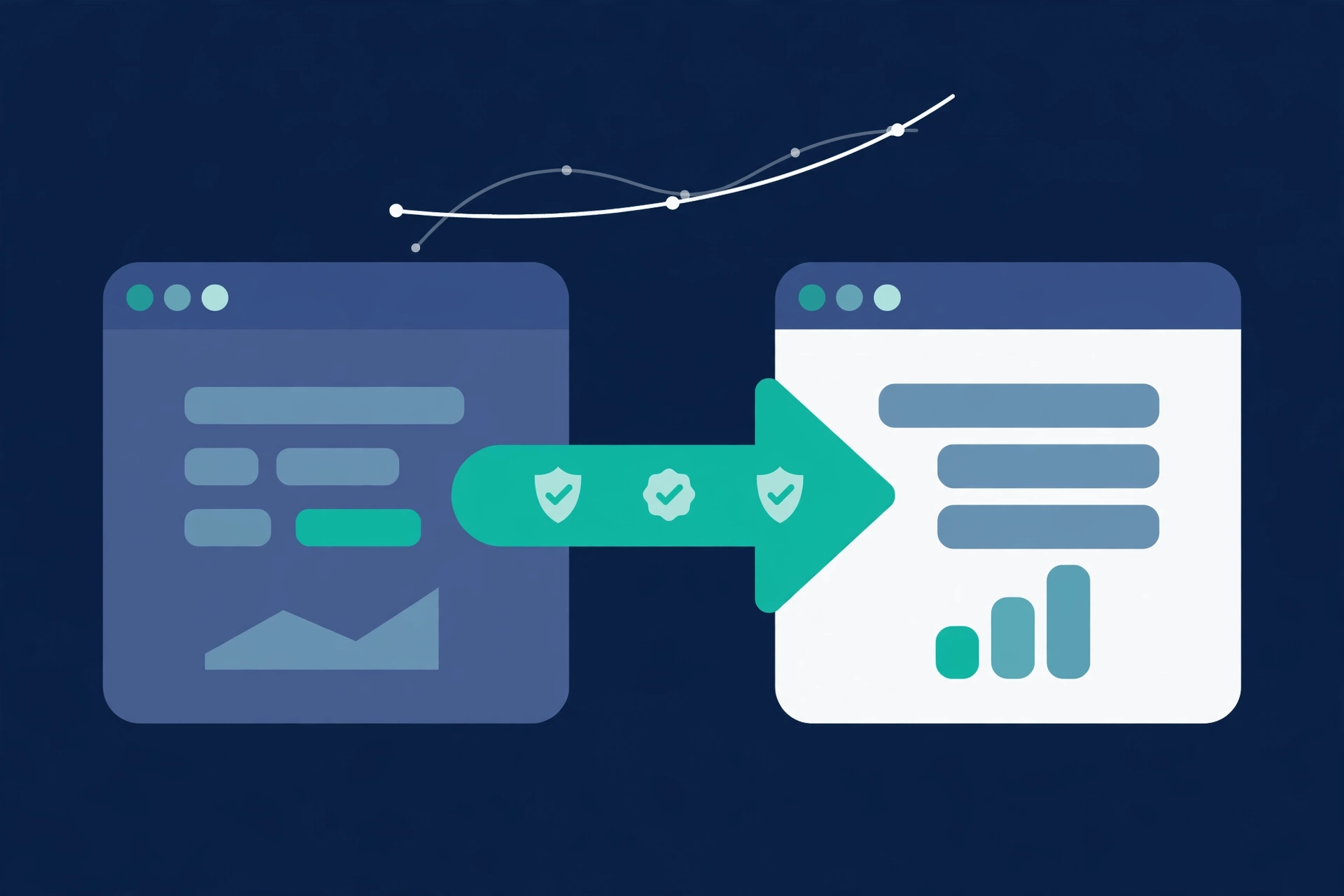
Types of Migration I Handle
Platform move (Wix, Squarespace, Weebly → WordPress)
Your current platform is limiting you and you need out. I move your content, structure, and SEO signals to WordPress without starting from scratch on rankings.
Host or server move
Same site, new hosting. Even a ‘simple’ server move can break indexing if the transition isn’t handled cleanly. I make sure Google never loses the thread.
Domain change
Moving from an old domain to a new one is one of the riskiest SEO moves you can make. A complete 301 redirect strategy keeps the authority you’ve built from evaporating.
HTTP → HTTPS
Securing your site is a good idea — unless the migration breaks internal links and canonical tags. I handle the technical side so the security upgrade doesn’t cost you rankings.
Why Migrations Go Wrong (and How I Prevent It)
Broken links → Full crawl and link audit before and after. I map every URL on your current site before anything changes, then audit again after launch. Broken pages get caught before Google does.
Lost redirects → Complete 301 redirect map. Every old URL gets a redirect to its new home. No guessing, no bulk wildcard redirects that send everything to the homepage.
Traffic drops → Pre-launch checklist, Search Console re-verification, post-launch monitoring. I run through a pre-launch checklist, resubmit your sitemap, and watch Search Console in real time after go-live. Problems get fixed in hours, not weeks.
Thin or missing content → Content inventory. Nothing valuable gets quietly dropped in the move. A full content inventory confirms every page, post, and asset makes it across. This pairs well with an SEO audit if you want to use the migration as a reset.
My Process
1. Full backup and site crawl — I capture every page, link, and rankings baseline before touching anything. This is the safety net everything else depends on.
2. Staging build — The new site is built and tested in a private environment. Your current site keeps running, your customers see nothing.
3. 301 redirect map — Every old URL is matched to its new destination. The map is reviewed and tested before launch, not after.
4. Launch and monitor — Go-live is planned, not rushed. I watch Search Console and traffic in real time on launch day.
5. Post-launch checks — Indexing is verified, any surfaced issues are fixed, and I confirm rankings are holding before the project closes.
What ‘SEO-Safe’ Actually Means
SEO-safe means your rankings are measured before the move and compared after, every valuable URL redirects correctly, metadata and internal links are carried over intact, and Google is notified exactly what changed through Search Console. Done right, you keep your traffic. Anyone who promises zero fluctuation is telling you what you want to hear — small short-term wobbles are normal and expected. What a proper migration prevents is the large, permanent drops that come from missing redirects and skipped steps.
For businesses investing in small business SEO long-term, protecting that foundation during a migration isn’t optional.
FAQ
Will I lose my rankings?
Done right, any fluctuation is small and temporary. Done wrong, yes — you can lose significant rankings for months. That’s exactly why the planning phase matters more than the launch itself.
How long does a migration take?
It depends on your site’s size and complexity. Most small-business migrations take 1–3 weeks including the staging build and testing phase.
Do I need to pause my business during the migration?
No. The staging build means your current site stays live and fully functional until the new one is ready to go. Your customers won’t notice a thing.
What platforms do you migrate from and to?
Wix, Squarespace, Weebly, outdated WordPress themes, custom-built sites — I’ve worked with all of them. Migrations go to WordPress unless you have a specific reason to use something else.
How much does it cost?
Every project gets a flat-rate quote upfront based on your site’s size and complexity. No hourly billing, no scope creep surprises.
Ready to Move Your Site Without the Risk?
Tell me about your current site and where you want to take it. I’ll give you a clear plan and a flat-rate quote before any work begins.
Email: HassanMalikBoss@Gmail.com
WhatsApp: +92 304 744 1223